Migration Guide | How To Close a Support Ticket
Last updated: June 4, 2026
This guide explains how to change the status of your active support tickets within the Customer Portal. Use this process to manually resolve requests once your needs are met.
Resolution steps
Open the ticket in the Customer Portal.
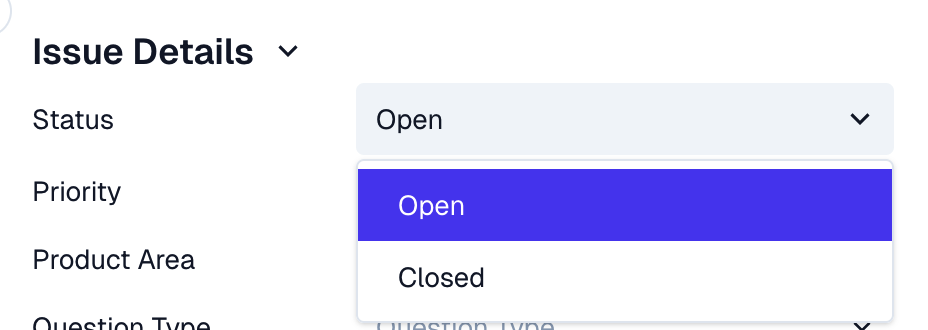
Locate the Issue Details section in the sidebar.
Select the Status dropdown menu.
Select Closed from the available options.
Closed tickets no longer have a 'final' closed status. If you need to reopen a ticket, just reply to the email or update it in the portal, and it will automatically move back to an active status retaining all of the history.