Migration Guide | How to Access and Use the New MX Support Knowledge Base
Last updated: June 25, 2026
Purpose
This guide explains how to access the MX knowledge base and use its features to find technical resources, troubleshooting guides, and product information.
Accessing the Knowledge Base
Go to the MX Support Portal.
Select Knowledge from the top navigation menu.
Note: You can also access the site directly by navigating to the MX knowledge base URL provided by your account manager.
Finding Information
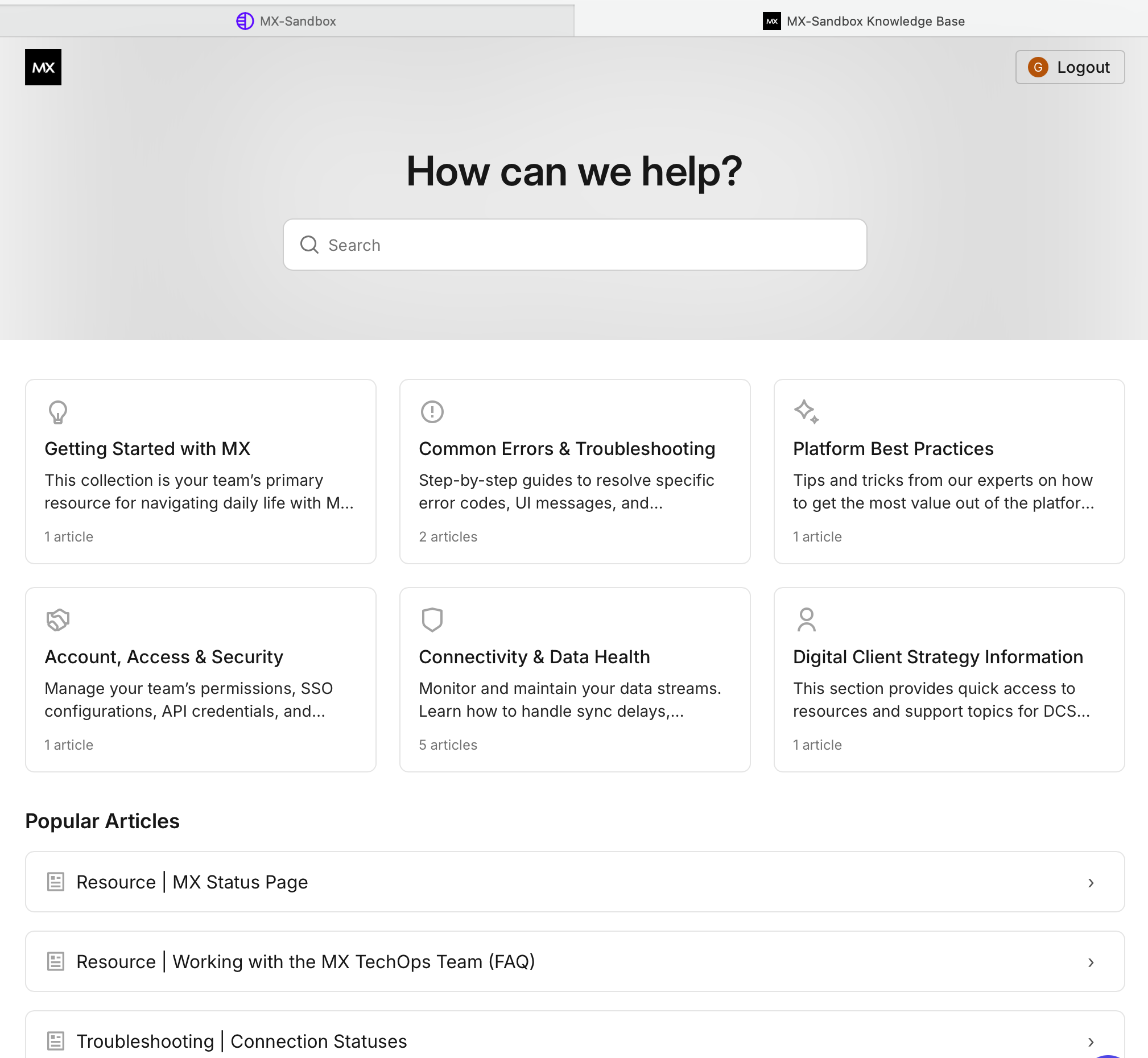
You can find information using the search bar or by browsing specific content collections.
Using Search
Enter keywords or specific error codes into the search bar on the home page.
Select the most relevant result from the list of suggested articles.
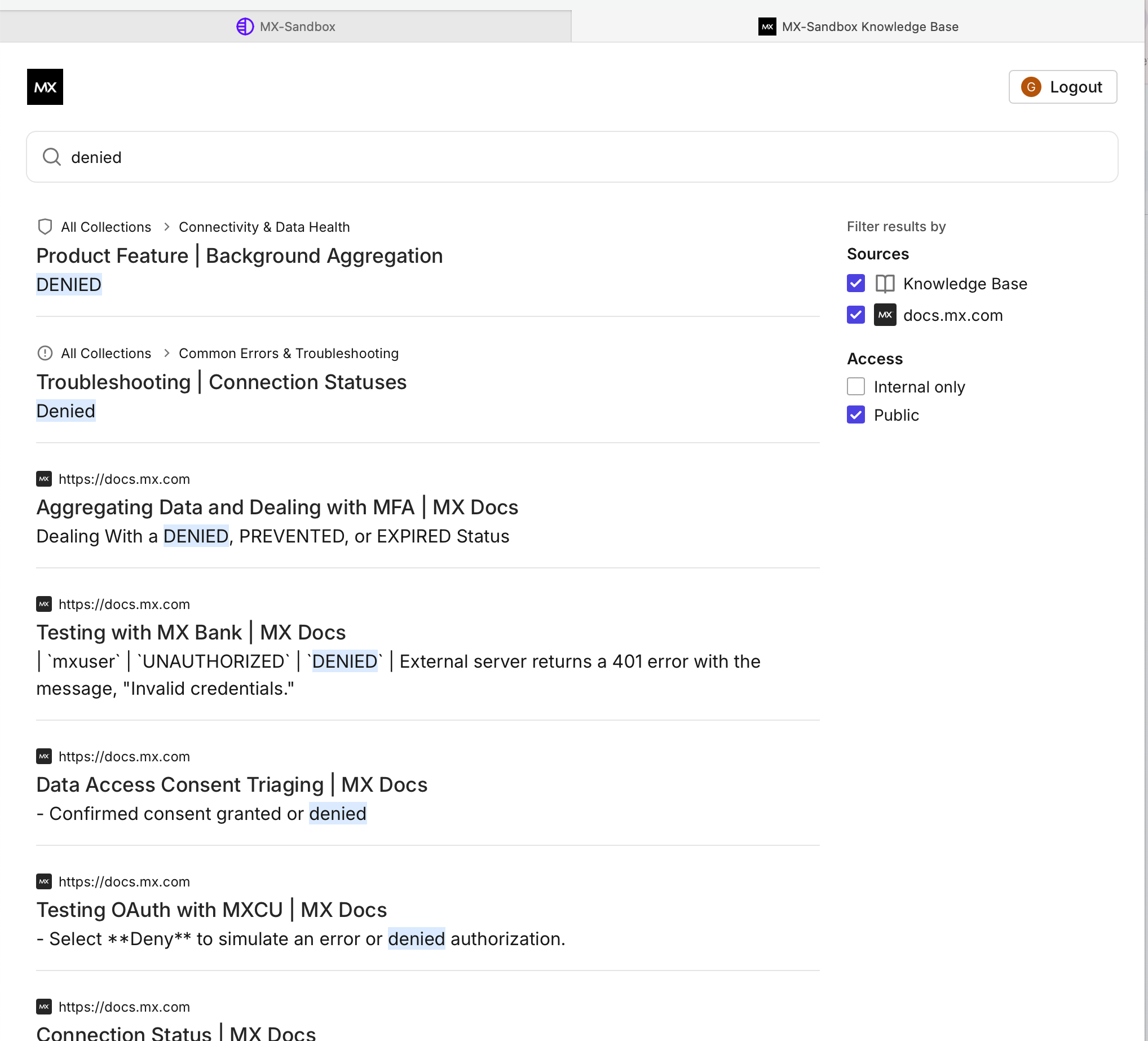
Use the filters on the right side of the results page to narrow your search by source or access level.
Browsing Collections
The knowledge base is organized into collections to help you find information quickly:
Getting Started with MX: Primary resources for navigating the MX platform.
Common Errors & Troubleshooting: Step-by-step guides to resolve specific error codes and UI messages.
Platform Best Practices: Advisory guides from experts to maximize platform value.
Connectivity & Data Health: Resources for monitoring data streams and handling sync delays.
Article Visuals
Search Interface: Use the search bar to find specific topics. You can also search by topic using collections.
Filtering Results: Refine your search using the sidebar filters.